
Proton and Nord Enable App-Level Routing in New Windows Updates
Users can now exclude specific programs from encrypted tunnels to reduce latency for gaming or local network access.
By Alina Carter ·
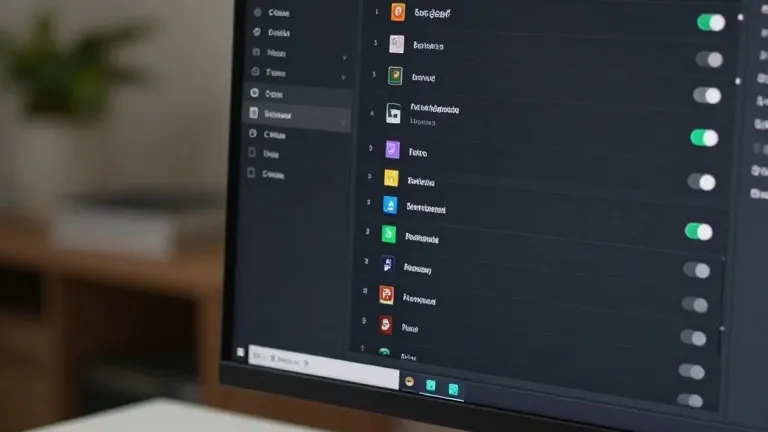
ProtonVPN and NordVPN have released updated Windows clients that allow users to exclude specific applications from their encrypted traffic. The update introduces app-level split tunneling, a feature that lets software bypass the VPN connection while other programs remain protected.
The new controls appear in the main interface of both applications. In ProtonVPN, a link on the right side of the console allows users to toggle the setting. They can choose to include only selected apps in the tunnel or exclude them so that all other traffic connects directly to the internet. NordVPN places the option behind a cog icon in the bottom left corner of the screen. Users flip a toggle and then select which programs receive VPN protection.
Split tunneling addresses a common trade-off with virtual private networks. While VPNs protect data from trackers and internet service providers, the encryption process can slow down connection speeds. By routing specific traffic around the encrypted bridge, users can maintain high speeds for demanding applications like online games. The feature also helps with local network access, allowing devices like printers or smart home gadgets to connect without the VPN interfering.
Location accuracy is another benefit of the update. A VPN typically masks a user's physical location. By excluding a weather or movie ticketing app from the tunnel, users can ensure these services reflect their actual geographic position rather than the spoofed location provided by the VPN server.
The feature is not new to the industry, but this update brings it to the forefront for Windows users. Most paid VPN tiers now include some form of split tunneling. While app-based controls are the most common version for consumers, other methods exist. URL-based rules allow users to target specific domains. Route-based and policy-based options rely on IP addresses and complex rules, though these are less common in consumer software.
Mobile devices offer similar but limited controls. Android users and desktop platforms generally have full app-level control. iPhones, however, typically restrict users to excluding websites and IP addresses rather than entire applications. For most Windows users, the setup is a one-time task. They can adjust which apps are covered at any time, but the settings generally do not require ongoing attention.